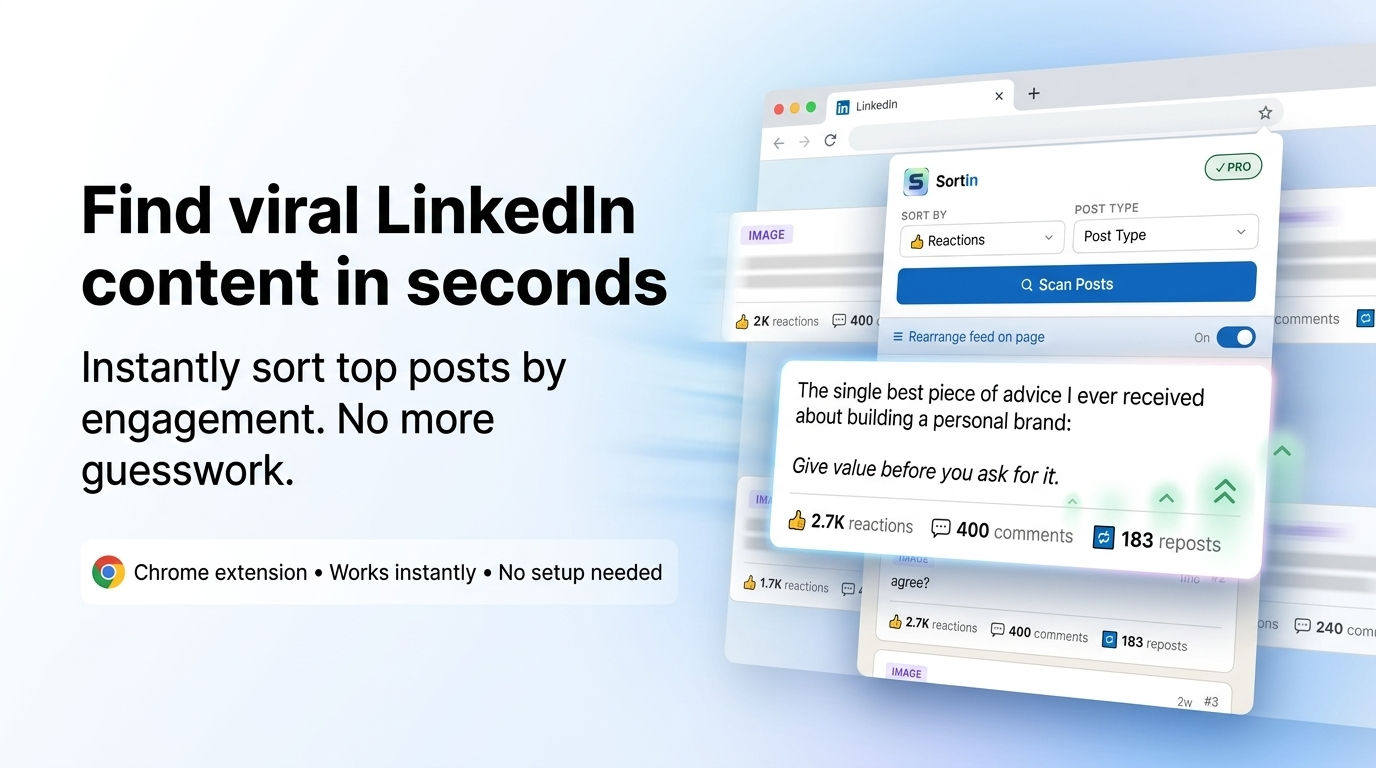
Sort any LinkedIn profile's posts by reactions, comments, or reposts. Find winning content patterns in 10 seconds.
One-time payment · No subscription · Works on any public LinkedIn profile
Built for
Features
Rank posts by reactions, comments, reposts, or total engagement. Instantly see what lands and what doesn't.
Isolate text posts, images, videos, documents, or articles. Find what format performs best for any creator.
Download a full ranked spreadsheet with engagement numbers, dates, and URLs. Drop it straight into your client reports.
Reorder the actual LinkedIn page by engagement score so you can read top posts in context — not just in the popup.
Scan any LinkedIn personal profile or company page. No LinkedIn account connection required. Just open and scan.
Nothing is sent to any server. Post data stays on your device. No account. No login. No tracking.
How it works
One click install. No account needed. Works immediately after install.
Navigate to the profile you want to analyse. Head to their Activity section and click "Show all posts."
SortIn reads all visible posts in the current tab. Scroll down to load more posts, then scan again to accumulate.
Rank by any metric. Filter by post type. Export to CSV for client reports or content audits.
Use cases
Ghostwriter
Scan your client's last 3 months of posts. Find their top 10 by engagement. Understand exactly what topics, hooks, and formats their audience responds to.
Content Strategist
Sort a competitor's posts by total engagement. Identify their content pillars. Build a differentiated strategy backed by actual data, not guesswork.
Agency
Export a ranked CSV of any client's LinkedIn performance. Add it to your monthly report deck. Takes 2 minutes, looks like you spent 2 hours.
Founder
Find the top creators in your niche. Sort their posts by engagement. Understand what resonates with your shared audience before you write anything.
Pricing
one-time payment · lock in before subscription pricing
Secure checkout via Gumroad · Instant delivery · Price will increase
FAQ
Yes — any public LinkedIn personal profile or company page. You don't need to be connected to the person. If their posts are publicly visible, SortIn can scan them.
No. SortIn reads post data from the page already loaded in your tab. It never asks for your LinkedIn credentials and has no connection to your LinkedIn account.
SortIn only reads data from pages you manually open — it doesn't scrape LinkedIn automatically or make API calls on your behalf. It behaves exactly like a user reading a page.
As many as LinkedIn shows you. Scroll down on the activity page to load more posts, then click Scan again — SortIn accumulates them progressively. Pro users have no display limit. Free users see the top 20.
Not right now. Early adopters pay $49 once and get lifetime access. Subscription pricing is coming — but if you buy today, your access is locked in at this price permanently.
If SortIn doesn't work for you, email support@sortin.app within 7 days of purchase for a full refund. No questions asked.